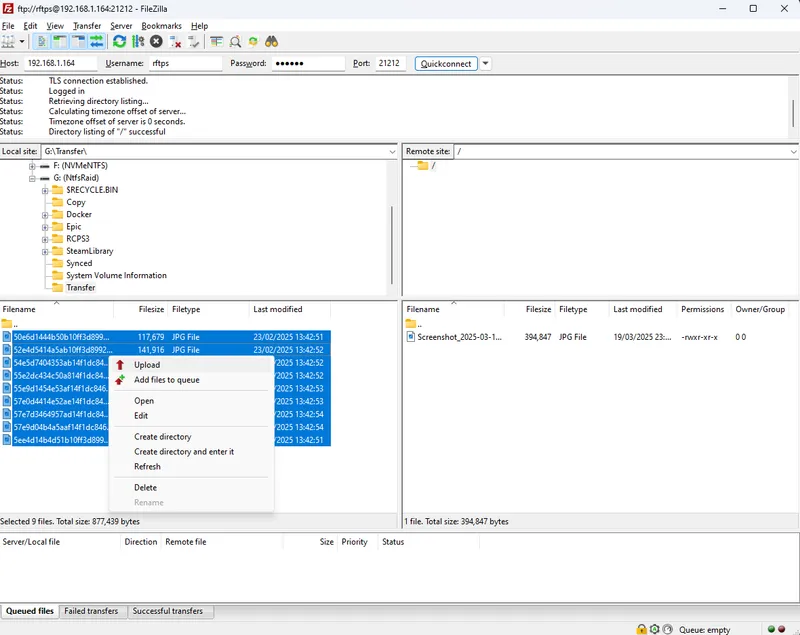
I choose Filezilla because it is one of the most popular FTP clients and it has support for both Windows and Linux, you download it from their official site, you will want the client not the server(RFTPS is acting as the server).
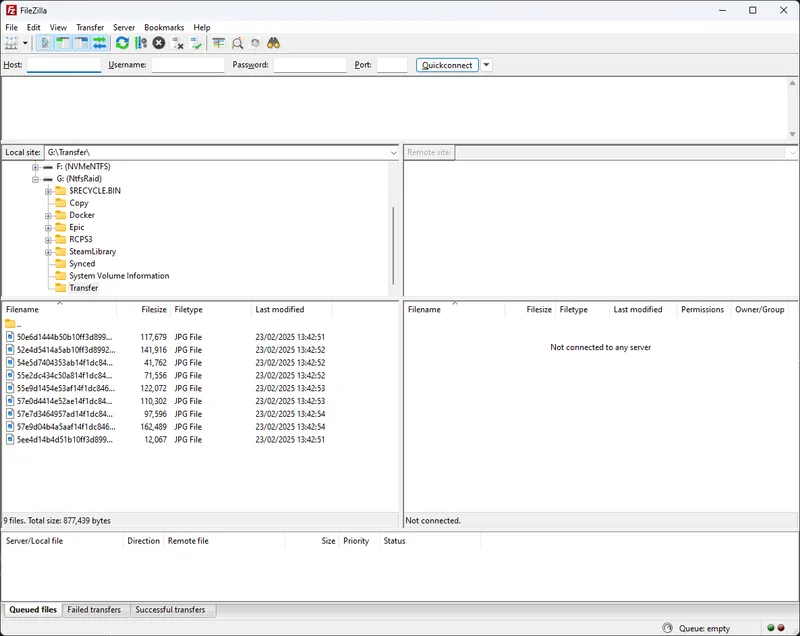
I will not go over the install since it’s a pretty standard application install, after the install you can execute filezilla and it should open it’s main window
The screen is split in the half, at the left is your computer and local files, the right will be the server, as you can see in the left side I’m in “G:\Transfer\” and there are some image files there, I will upload these to the server as an example
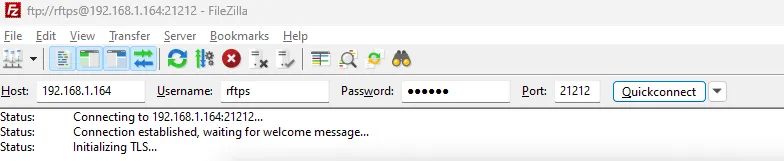
First we need to connect to the server, at the top input the data RFTPS gives you:
Host: Host
Port: Port
Username: Username
Password: Password
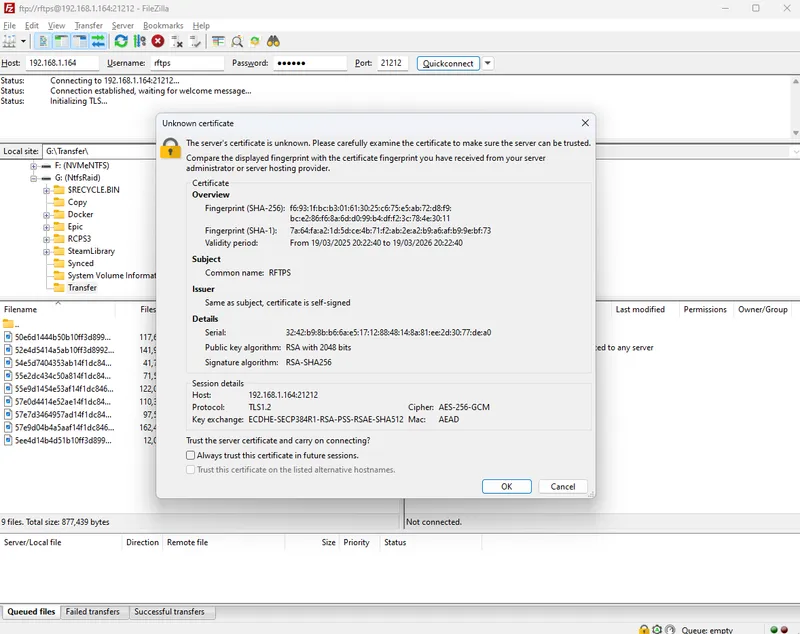
When you click “Quickconnect” it will tell you it’s an unkown certificate(like I mentioned previosuly, code certificates are expensive), you will need to accept it.
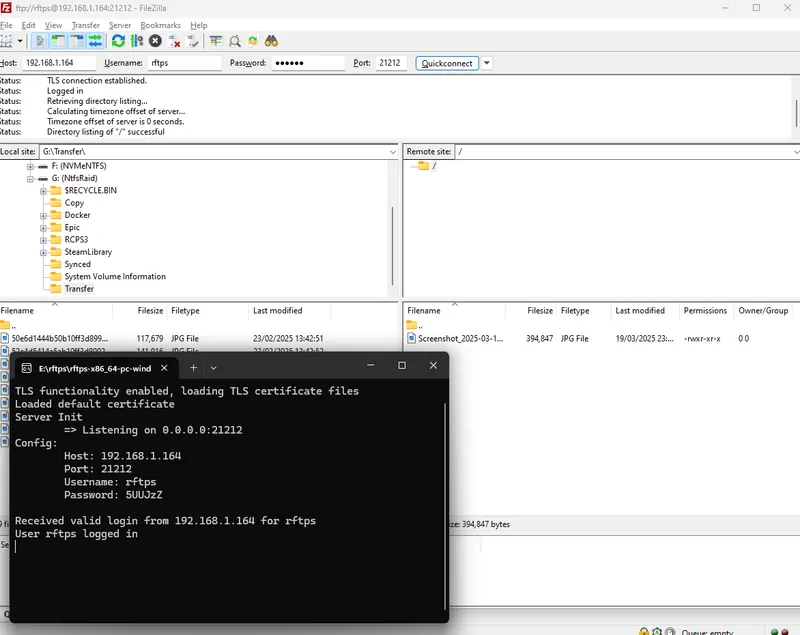
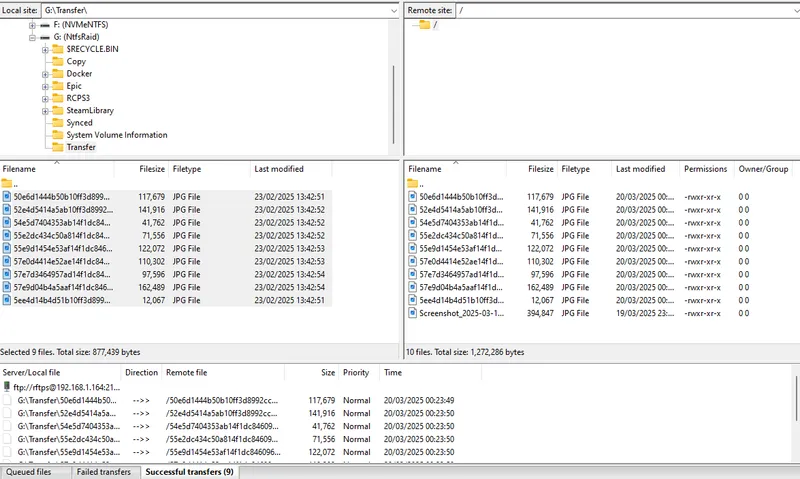
After that you should see your server on the left side:
Now you can select you files on the left and double-click or right-click and the upload them